
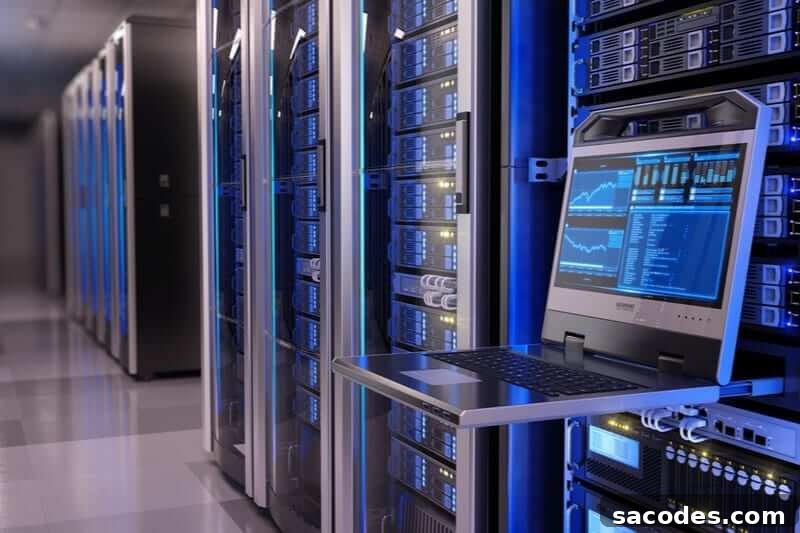
The term KVM stands for Keyboard, Video, and Mouse, and refers to a hardware device that enables remote management of computers from long distances. Commonly known in the web and hosting sectors as a KVM switch, this device allows administrators to access and control multiple servers or workstations using their local keyboard, mouse and monitor over an IP connection. With a KVM, you can reach the target system down to the BIOS/firmware level, perform full maintenance, and manage boot settings as if you were physically present at the machine.
Standard remote management tools and software typically operate at the operating system or desktop level and therefore cannot always address issues that occur before the OS loads. In contrast, a KVM device provides out-of-band access that reaches the BIOS or firmware layer, enabling troubleshooting and configuration even when the host OS is unresponsive or its network services have failed. Because the KVM has its own independent management path, administrators can interact with servers, monitor boot messages, and apply firmware updates or changes to BIOS settings without relying on the server’s primary software stack.
What are KVM Features?
KVM appliances include a set of features designed for reliable, professional remote administration. Typical capabilities include remote video streaming of the server’s console, keyboard and mouse control in real time, virtual media support for mounting images remotely, and the ability to perform hard reboots or power cycling through the KVM interface. Many devices also support user authentication, role-based access control, and session logging to meet operational and security requirements. These KVM security features help ensure that access is restricted to authorized personnel and that administrative actions are recorded for audit and troubleshooting.
Because KVM solutions provide a direct hardware-level connection, they are particularly valuable when diagnosing boot problems, OS kernel panics, or configuration errors that prevent normal remote desktop connections. Virtual media lets administrators mount installers or recovery tools remotely, enabling operating system installation or recovery without needing to be physically present. In high-availability environments, this level of direct access reduces mean time to resolution and limits the need for on-site interventions.
Advantages of Using a KVM
A primary advantage of KVM technology is that it does not require additional client-side software to manage systems; the remote console operates through the device’s web or IP interface. Compared to typical remote-control applications, a KVM is a purpose-built management tool that delivers more comprehensive control at a lower operational complexity. Because it interfaces directly with the server hardware, it offers management capabilities that higher-level remote desktop applications cannot achieve.
KVMs are cost-effective for organizations that must maintain many servers or distributed systems because they centralize console access and reduce the frequency of physical site visits. They are widely used in data centers, remote collocation facilities, and edge locations where quick recovery and low-latency console access are critical. Additionally, the separation between the server’s network and the KVM’s management path provides resilience: administrators can manage the host even if the host’s software-defined networking or services are down.
When selecting a KVM solution, consider the device’s compatibility with your server hardware, supported resolution and video performance, virtual media capabilities, security options (such as two-factor authentication and encrypted sessions), and logging features for compliance. Properly deployed, a KVM switch becomes an essential component of a robust remote administration strategy, streamlining maintenance tasks, accelerating troubleshooting, and reducing downtime risk.
In summary, KVM technology offers decisive benefits for remote server administration by providing BIOS-level access, secure and auditable management, and operational independence from the host operating system. For organizations that require reliable, immediate access to hardware consoles—whether for routine maintenance, emergency recovery, or firmware updates—a KVM remains a practical and powerful tool.