
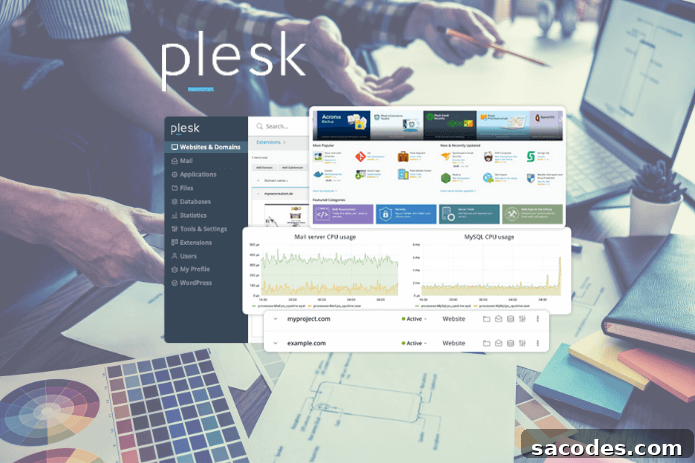
Plesk control panel is a powerful tool that simplifies web hosting management. To take full advantage of the panel, it must be updated regularly—updates are critical for both security and performance. Panels that are not updated invite vulnerabilities, and can also suffer from speed issues and compatibility problems.
This article explains the importance of Plesk Panel updates, what to check before updating, and practical tips to keep your system running at peak efficiency.
Why Plesk Panel Updates Matter
Each new Plesk release includes fixes for known vulnerabilities, new features, and corrections for previous bugs. Neglecting updates can create significant security gaps—especially if your web server stores personal data. An outdated panel also risks incompatibility with modern applications and services.
Common issues on systems that fall behind on updates include:
- New PHP versions may not work.
- Advanced security modules may not be installable.
- Performance optimizations may be missing.
Precautions Before Updating
Although Plesk updates are usually smooth, they can occasionally produce compatibility problems. Before updating, follow these essential steps:
- Create a full backup – Save both files and database backups.
- Review installed extensions – Some third-party modules may be incompatible with the new version.
- Document your current version – Record version details to enable a quick rollback if needed.
These measures help you respond quickly if something goes wrong during the update.
How to Update Plesk Panel
Updating Plesk is straightforward and can be done through the panel or via SSH. To update through the panel:
→ Log in to the Plesk Panel.
→ Click on “Tools & Settings.”
→ Open the “Updates” or “Plesk Installer” section.
→ Check for available updates and start the installation.
Alternatively, you can update via SSH using the following command:
plesk installer updateThis command upgrades your installation to the latest available Plesk version.
Updates That Improve Performance
Recent Plesk releases bring not only security patches but also performance improvements. Examples of performance-related enhancements include:
- PHP-FPM support for faster sites under load.
- Better caching and delivery with LiteSpeed or NGINX integration.
- Compatibility with cache systems like Redis and Memcached.
These updates help keep your server stable and responsive even during traffic spikes.
Automatic Update Settings
Plesk can perform automatic updates if you prefer hands-off maintenance, saving administrators time. Configure automatic updates as follows:
- Go to “Tools & Settings” > “Update Settings”.
- Choose how frequently to receive updates.
- Enable notifications so you stay informed when new updates arrive.
With automatic updates and notifications enabled, you can keep the system current while retaining control over the update schedule.
Security-Critical Updates
Security patches in Plesk target several critical areas, such as:
- Protection against brute-force attacks.
- Updates to SSL/TLS protocols.
- Integration and updates for Web Application Firewalls (WAF).
- Fixes for mail server vulnerabilities.
If you host e-commerce sites or systems that handle user data, applying these security updates promptly is essential to protect your customers and your business.
Common Issues and Post-Update Checks
After updating, some administrators forget to verify that all services work correctly. Make sure to perform these checks immediately after an update:
- Do websites load properly?
- Are database connections functioning without errors?
- Are mail services operating correctly?
- Do security certificates show any warnings?
These checks will help you detect issues early and reduce downtime.
Stay Secure and Fast with an Updated Plesk Panel
Plesk Panel updates are more than routine software upgrades. They keep your system secure, fast, and stable. An up-to-date Plesk installation resists attacks more effectively and works seamlessly with modern applications and services.
Small, regular updates prevent larger problems down the line. To maintain a healthy hosting environment, do not skip scheduled updates—plan them, back up your data, and verify your site and services after each upgrade.