

In the web hosting world, server management is a critical task. Various control panels are used to simplify operations and manage servers efficiently. ISPmanager is a popular control panel designed specifically for Linux servers. It stands out for its ease of use, robust features, and cost-effectiveness.
What is ISPmanager?
ISPmanager is a control panel developed for hosting and server administration. It allows users to manage websites, email accounts, DNS settings, and other server services with ease. Thanks to its intuitive interface, it is suitable for both beginners and experienced system administrators.
It is particularly well suited for small and medium-sized businesses, hosting providers, and individual users. As an alternative to other popular panels such as cPanel and Plesk, ISPmanager offers a budget-friendly solution with a competitive feature set.
ISPmanager VDS/VPS Control Panel Review on Linux
Below we review the panel’s main advantages and highlight several points to consider when using it. ISPmanager comes with an extensive feature list, but here we focus on the essentials. We examine the interface, compare the panel’s different editions, and outline the documentation and support available to ISPmanager users.
Interface
The ISPmanager interface is straightforward and easy to navigate. The main menu on the left gives quick access to all common settings: creating sites, adding DNS records, file management, and more. The panel supports multiple languages, including Russian, English, and Italian. It also provides granular user rights management: you can create separate accounts for each user and customize permissions individually.
If you want to minimize time spent in the console, ISPmanager is a practical choice. Most of the settings required for a stable web server are already available in the panel; you simply enable and configure them through the UI.
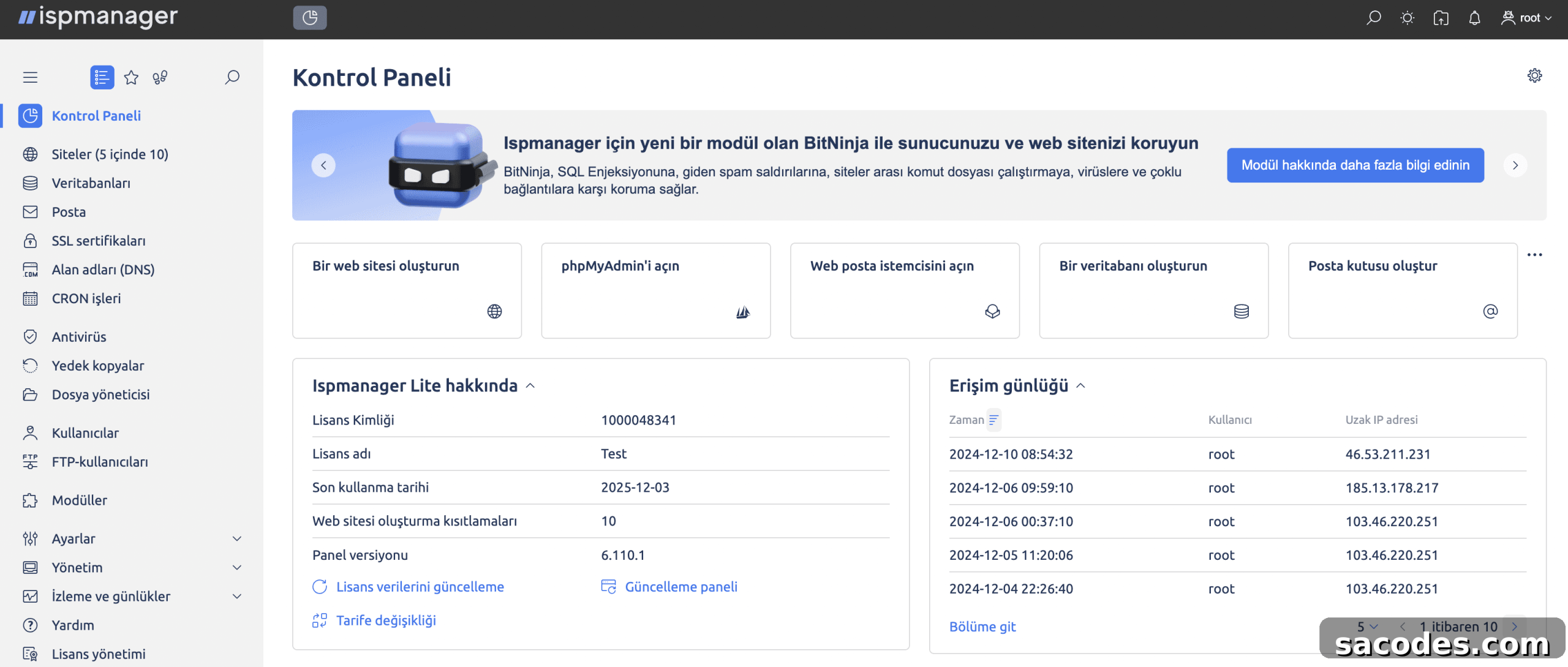
The ISPmanager dashboard displays core system and server metrics, completed tasks, and visitor statistics at a glance.
Core Features of the ISPmanager Panel
ISPmanager is a commercial control panel for Linux-based web servers. With it you can create and manage websites, email boxes, databases, and more.
- Website creation:
This includes connecting domains, configuring PHP and Node.js, installing SSL certificates, deploying content management systems, or building a site using a DIY site builder.
Advanced Website Configuration
- PHP support:
ISPmanager simplifies PHP management. It supports multiple modes and versions per host, extensions, and Composer package management, providing flexibility for different projects. - Node.js:
The panel supports Node.js, allowing installation of various Node.js versions and enabling per-user limits for applications. - DNS server:
ISPmanager includes its own DNS server and can integrate external DNS providers. With DNSSEC support, it can generate unique digital signatures for NS records to help protect against DNS spoofing and phishing.
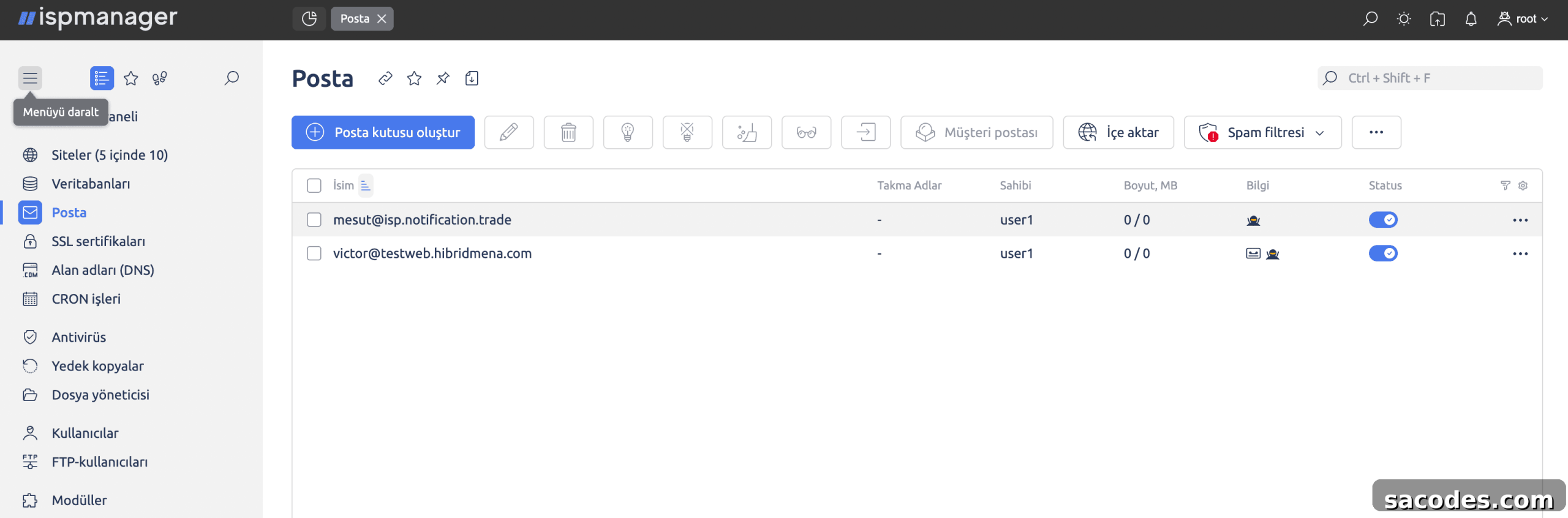
DNS Record Management in ISPmanager
- Email domains:
ISPmanager supports mail server management. It provides options to use the Roundcube webmail client and includes multiple anti-spam and anti-malware tools such as blacklists, message header analysis, behavioral blocking, and other protections. - Databases:
You can create and manage database servers directly from the panel. Supported systems include MySQL, MariaDB, Percona Server, and PostgreSQL. Each site can use its own DBMS version, and database access permissions can be customized per user. - SSL certificates:
One of ISPmanager’s advantages is support for free SSL certificates from Let’s Encrypt. These certificates can be installed and renewed automatically. - Backups:
ISPmanager can create backups of user data. Backups may be stored locally on the server or in external storage options, including cloud storage.
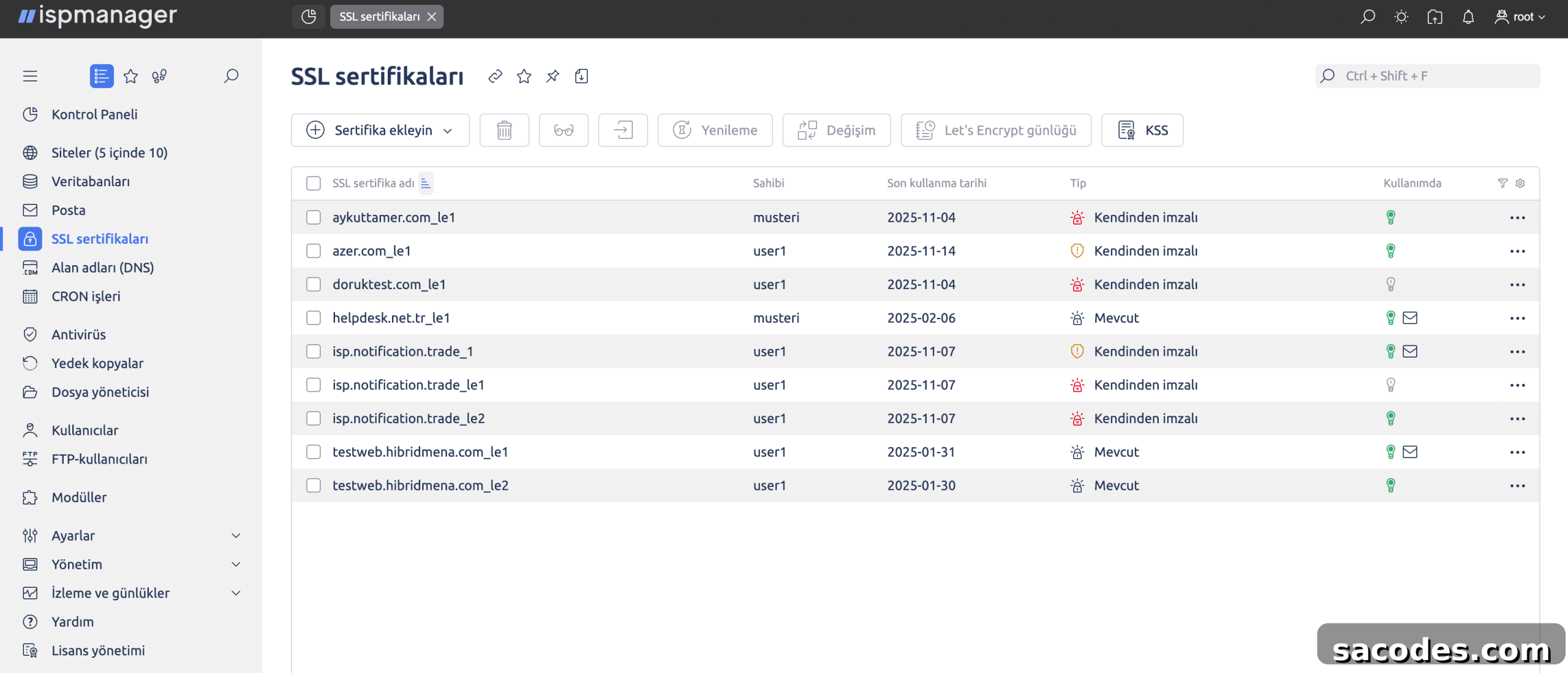
ISPmanager Modules
- In addition to its core tools, ISPmanager can be extended with additional modules to increase functionality. Some modules are free, while others are paid.
- Dr.Web:
An antivirus module for websites. It scans the system, detects threats, and removes them. This is a paid module, though there may be promotional trial periods such as a one-month free trial for subscribers who enroll by a specified date. - DDoS-Guard:
A paid anti-DDoS module. It acts as a reverse proxy that routes traffic through a chain of servers to filter unwanted traffic. In addition to DDoS protection, it can function as a CDN (Content Delivery Network) to accelerate delivery of images, video, and other media. - Softaculous:
An application installer. The module itself is free, though some scripts are paid. The library includes hundreds of scripts and CMS options. Softaculous automates installation and updates, improving site speed and security. - Site.Pro:
A popular module that speeds up website building. The free version of ISPmanager includes templates that let you create an informational website quickly using one of several predesigned themes.
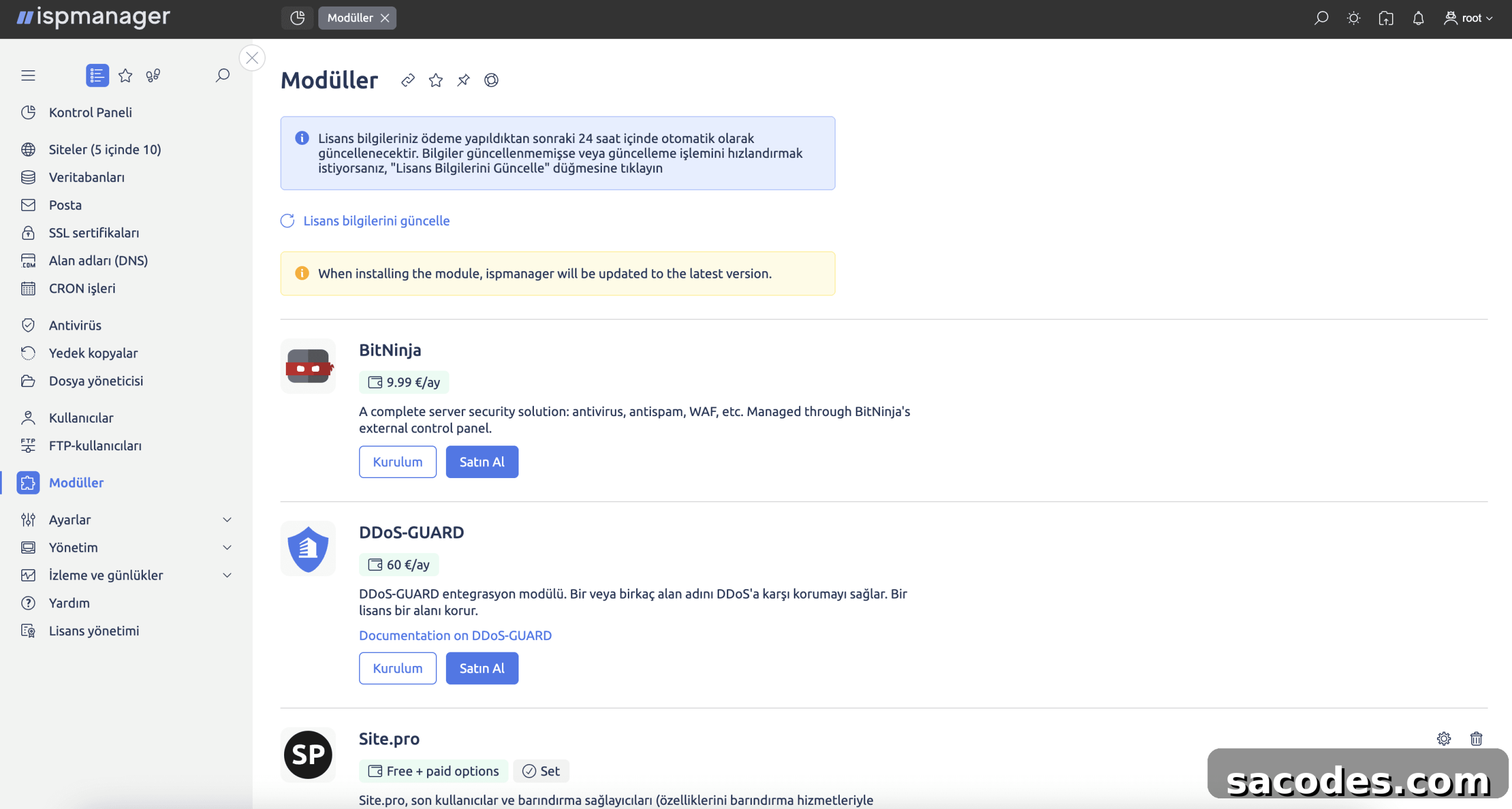
ISPmanager Editions: Lite, Pro, Host, and Business are the main editions in which ISPmanager is offered.
ISPmanager Business:
Designed for shared hosting. Its distinguishing feature is the ability to manage a cluster of servers. The Business edition is generally preferred by hosting providers and companies running multiple web projects.
Lite, Pro, and Host:
These are the more commonly used ISPmanager editions. They can be installed on a single VDS/VPS or a dedicated server. The primary difference between Lite, Pro, and Host is the number of websites you can host through the panel.
Comparison Table:
To clarify the differences between editions, we provide a simple comparison below:
| Lite | Designed to run on a single machine to manage one web server. |
| Pro | Offers support for more websites and expanded features. |
| Host | Suitable for managing larger user bases and many websites. |
| Business | Ideal for managing server clusters; designed for shared hosting environments. |
| Edition | Number of Supported Domains |
| Lite | Up to 10 domains |
| Pro | Up to 50 domains |
| Host | Unlimited domains |
| Business | Unlimited domains plus cluster management (suitable for shared hosting) |
About the ISPmanager Developer
ISPmanager is one of Russia’s most popular control panels and is also used internationally. The software is developed by a Russian company named ISPmanager. The product’s history stretches back nearly two decades: the first major release, ISPmanager 4, appeared in 2005. The modern release, ISPmanager 6, was published in 2021 and remains the current major version. ISPmanager is also registered in Russia’s National Software Registry as an accredited software product.
Updates and Release Cycle
ISPmanager follows a regular update schedule, with new builds published frequently. New features are typically released first as beta versions and, after additional testing, are promoted to the stable channel. An open roadmap is available where planned features are listed and users can vote on priorities.
Guides and Documentation
ISPmanager ships with a comprehensive documentation package in English. Given the panel’s popularity, extensive resources and tutorials are available online. There is also an official community where users and developers can ask questions and share answers.
Advantages of ISPmanager
Several qualities set ISPmanager apart from other control panels:
- Cost-effective solution: Licensing fees for ISPmanager are generally lower than alternatives like cPanel.
- Resource efficiency: It consumes fewer system resources while delivering good performance.
- Scalability: Suitable for environments ranging from small businesses to large datacenters.
- Broad language support: Multi-language support enhances the user experience across regions.
Comparison with Other Control Panels
ISPmanager can be compared favorably against many competitors in different respects. For example:
- cPanel: Offers a wide range of features but is typically more expensive than ISPmanager.
- Plesk: Often considered a stronger choice for Windows servers, while ISPmanager performs optimally in Linux environments.
- DirectAdmin: Provides similar cost advantages, though its interface is generally seen as less modern than ISPmanager’s.
Should You Choose ISPmanager?
If you need a control panel for a Linux server and want an economical, flexible solution, ISPmanager is an excellent option. Its user-friendly interface, powerful feature set, and efficient resource usage make it suitable for both individual users and businesses. With easy management tools and low system overhead, it can help you scale operations and improve service delivery.
Whether you manage your own server or provide hosting services to clients, trying ISPmanager is worth considering. Its straightforward installation and comprehensive capabilities make it a reliable choice for many hosting scenarios.