
As internet use grows rapidly, it has become essential for websites to rank higher in search engines and attract organic traffic. Search Engine Optimization (SEO) plays a central role in increasing a site’s visibility, helping you reach your target audience and stand out in a competitive digital market. SEO can be complex and involves many factors; fortunately, SEO tools simplify the process and become indispensable for web designers and site owners.
This article focuses on the best SEO tools for web designers and anyone who wants to monitor and improve their website’s performance. These tools help you track site metrics, research keywords, analyze competitors, audit technical issues, and improve user experience. By using them, you can refine your SEO strategy, boost search rankings, and increase organic traffic. At the end, you will also find practical steps to get the most value from these tools and strengthen your SEO efforts.
SEO Tools and Their Features
Effective SEO requires tracking many technical and content-related aspects of your site. The right tools make that tracking manageable and actionable. Below are essential SEO tools that web designers and site owners should consider, with clear descriptions of what each tool offers and how it supports better search performance.
Google Analytics
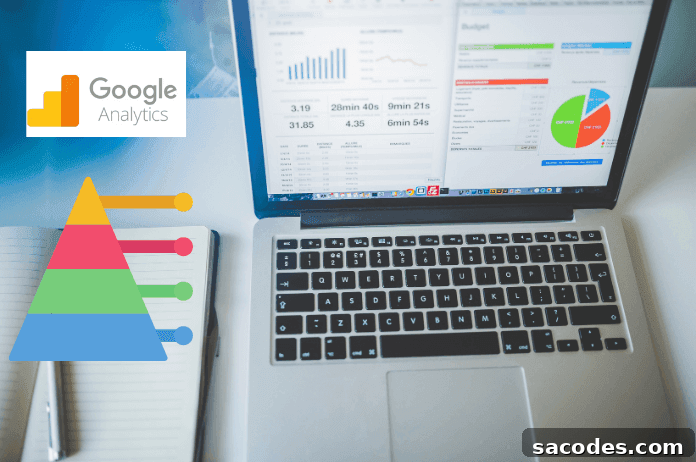
Google Analytics is a foundational, free tool for monitoring your website’s performance. It delivers detailed visitor statistics, traffic sources, user behavior, and conversion metrics. With Google Analytics you can see which pages attract the most visits, where users come from, and which content generates the most engagement. Those insights inform content priorities, UX improvements, and campaign effectiveness.
Key benefits:
- Understand traffic sources and user journeys to prioritize high-impact pages.
- Measure conversion rates and attribute them to marketing channels or campaigns.
- Track behavior metrics (bounce rate, time on page) to identify pages that need optimization.
Moz Pro
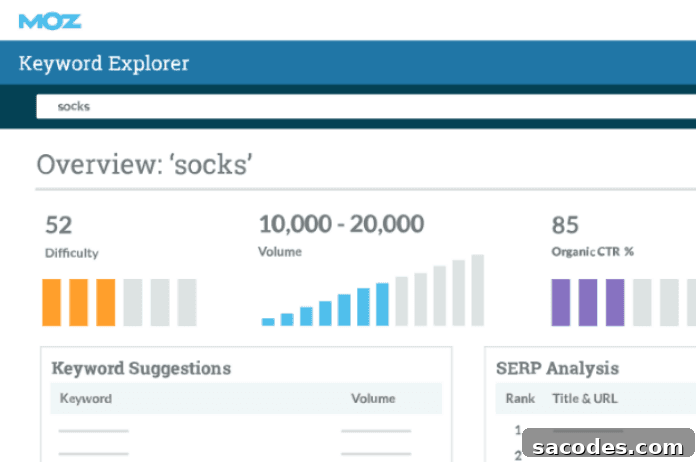
Moz Pro is a comprehensive SEO toolkit that covers keyword research, competitor analysis, site audits, backlink tracking, and rank monitoring. It helps you find the best keyword opportunities, uncover technical issues, and measure progress through reports and dashboards.
Core features:
- Keyword Research: Identify relevant keywords, search volume trends, and difficulty levels to shape your content strategy.
- Site Audit: Detect technical and structural problems like missing meta tags, crawl issues, and speed bottlenecks.
- Competitor Analysis: Learn which keywords competitors rank for and analyze their content and backlink strategies.
- Backlink Monitoring: Track the quality and source of backlinks to build a cleaner, stronger link profile.
Google Search Console
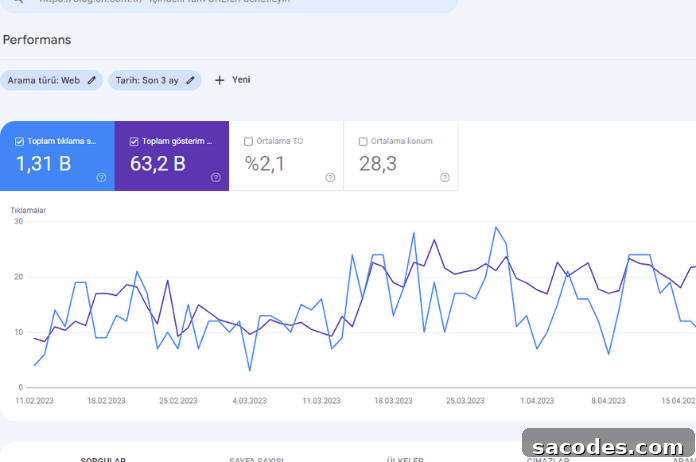
Google Search Console is a free service that helps you monitor and optimize your site’s presence in Google Search. It provides data on search queries, indexing status, backlinks, and site errors. You can submit sitemaps, fix indexing issues, and see how Google views your pages.
Key uses:
- Performance Insights: See which queries bring impressions and clicks, and evaluate click-through rates to refine titles and meta descriptions.
- Indexing Status: Check which pages are indexed and identify pages blocked by errors or misconfigurations.
- Link Reports: Review external links to your site and determine which content earns the most citations.
- Sitemap Management: Submit sitemaps to speed up discovery of new content and improve crawl efficiency.
SEMrush
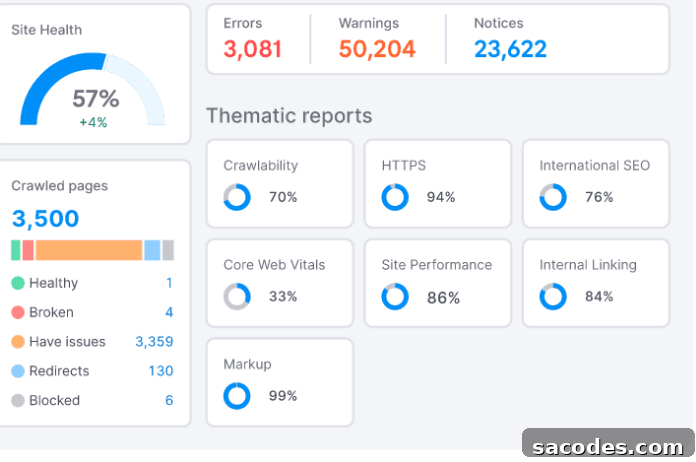
SEMrush is a powerful platform for managing and optimizing SEO campaigns. It combines keyword research, competitor intelligence, site audits, backlink tracking, and social media monitoring to give marketers a broad view of their online performance. SEMrush is particularly useful for identifying keyword gaps and monitoring competitors’ tactics.
Primary capabilities:
- Keyword Analysis: Evaluate search volume, competition, and related terms to expand keyword lists and target content opportunities.
- Competitive Research: Discover where competitors gain organic traffic and which keywords and pages perform best for them.
- Technical Audits: Find crawl errors, missing tags, and performance issues that could harm rankings.
- Backlink Monitoring: Analyze link sources and quality to support link-building strategies and domain authority growth.
Ahrefs
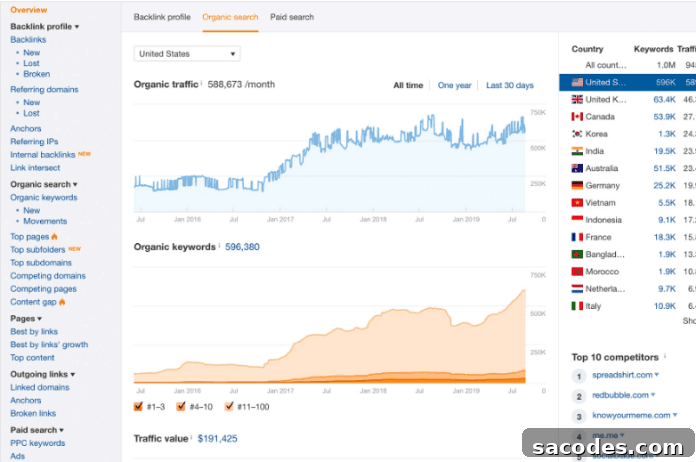
Ahrefs is a popular research and analytics tool for SEO and digital marketing professionals. It provides extensive keyword data, competitor insights, backlink analysis, and site auditing tools to help you identify opportunities and fix issues that limit organic performance.
Main features:
- Keyword Research: Access search volume, difficulty metrics, and related keyword suggestions to refine targeting.
- Competitor Analysis: See which keywords competitors rank for and which pages attract their organic traffic.
- Backlink Analysis: Evaluate the quality and quantity of inbound links, and identify potentially harmful or spammy links.
- Site Audit: Locate technical SEO problems like broken links, missing metadata, and slow pages to prioritize fixes.
Additional useful tools mentioned by SEO professionals include Yoast SEO for on-page optimization in CMS systems, Screaming Frog for deep site crawls, and Google Keyword Planner for keyword ideas and search volume data. Together, these tools let you take a data-driven approach: monitor performance, research relevant keywords, audit technical issues, analyze backlinks, and enhance the user experience.
To get the most benefit from these tools, follow practical steps: set up and verify your site in Google Search Console and Google Analytics; run a technical audit to fix critical issues; perform keyword research to align content with user intent; analyze competitor strategies to find gaps and opportunities; monitor backlinks and clean up harmful links; and track KPIs regularly to measure progress and iterate. Using this structured approach, web designers and site owners can make informed decisions, improve SEO performance, and grow organic traffic over time.