Shopping
Here's How — You Can Use Coupons on Walmart Pickup
Walmart Pickup can be a major lifesaver. By choosing your items online and then collecting in-person, you not only shed delivery costs but can get your order even quicker. You
But it’s key to bear in mind that some coupons work a little bit differently for Walmart Grocery Pickup than they do if you’re shopping on Walmart.com or in-store.
This briefing explains what Walmart Grocery’s Curbside Pickup service is, ways to add a coupon to your Walmart Pickup order, and whether you can use manufacturer coupons on Walmart Pickup.
What is Walmart Grocery Pickup?
Before we speed right into whether you can use coupons for Walmart Pickup orders, let’s talk about what Walmart Pickup is.
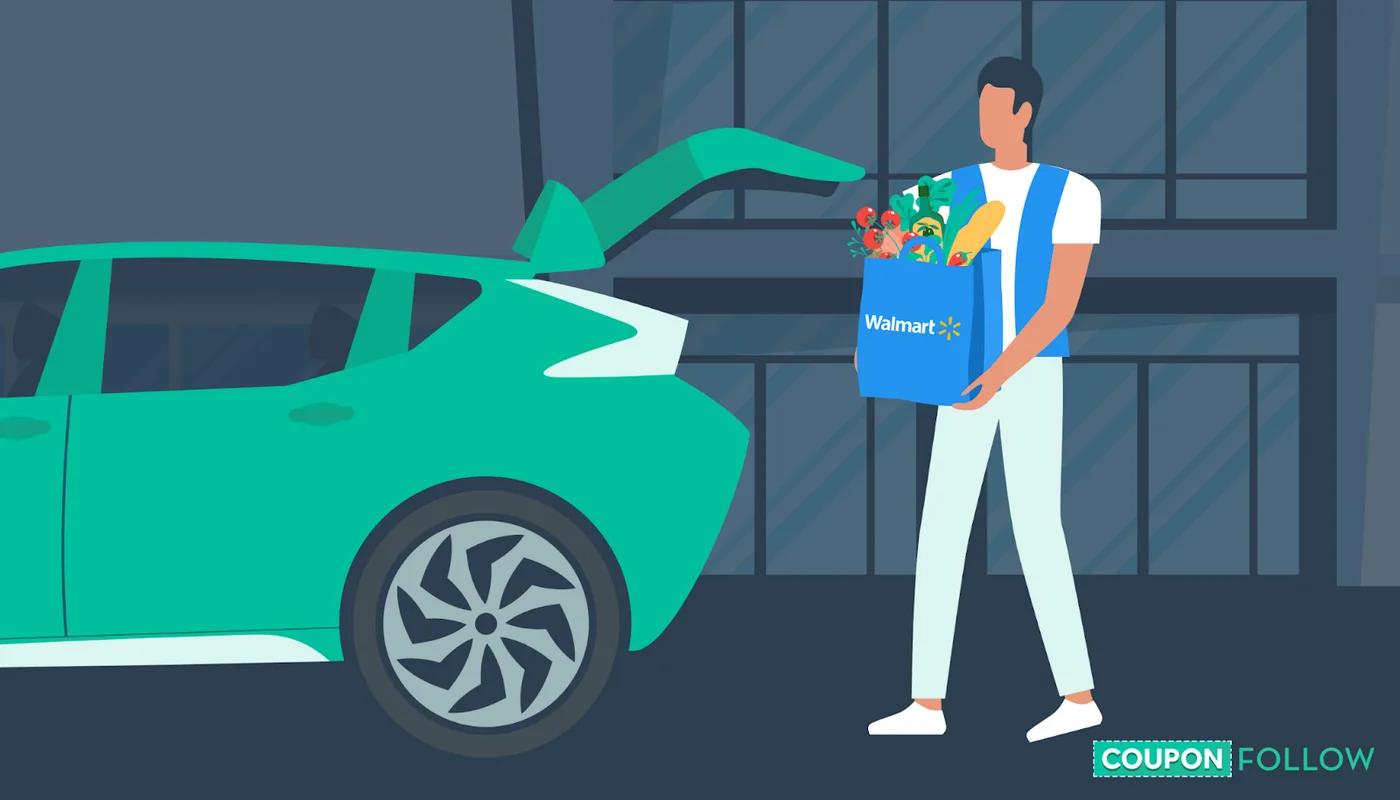
Walmart's Online Grocery Pickup is a service that the retail giant launched in Denver in 2013. It lets shoppers order groceries online by choosing from thousands of popular items. They can then pick those grocery or household items up at their local brick-and-mortar Walmart store. Upon arrival, a Walmart associate will then bring your items straight to your vehicle without you even having to leave your car.
Fast-forward almost a decade, and Walmart’s Online Grocery Pickup is offered across the US. You can place a pickup order both on Walmart.com along with through Walmart’s mobile app (“Walmart Shopping & Grocery”).
To place an order, you simply need to enter your ZIP code and select a local Walmart store that offers the service. From there, you can start to create your shopping list. At the checkout stage, you select a time you want to pick up your order.
While you wait, Walmart’s team of grocery shoppers fills your basket. At the appointed time, you then pull into one of your local store’s designated Online Grocery Pickup parking spaces. These are often marked in orange. After they’ve been alerted to your arrival, the Walmart team will retrieve your order and load it into your car.
You can often get same-day Walmart Online Grocery Pickup orders. If you spend above a certain threshold, you can collect your item for free. If you spend under the threshold, you’ll need to pay for Walmart’s Online Grocery Pickup service.
Walmart Grocery doesn’t charge any monthly or annual subscription fees for Online Grocery Pickup — you only pay for what you use (if you pay at all). You can also rest easy knowing Walmart doesn’t charge any markups on its pickup items.
How do I add a coupon to my Walmart Pickup?
In plenty of cases, you can use coupons on Walmart Pickup orders. Because orders you place for Online Grocery Pickup need to be made either on Walmart.com or the Walmart Shopping & Grocery app, you’ll need to add in a coupon as a discount code at checkout when placing your online shopping order.
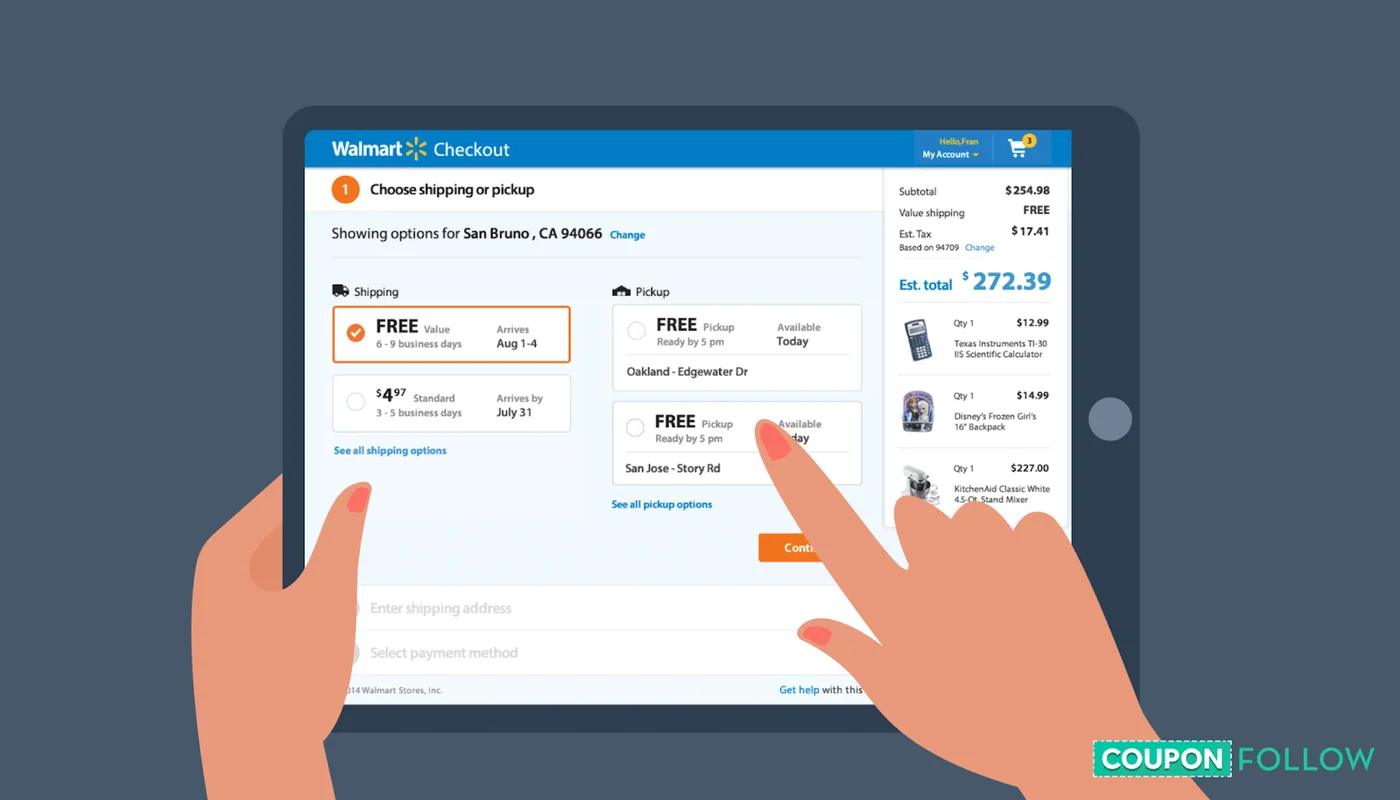
To add a coupon to your Walmart Online Grocery Pickup order, you’ll need to start by signing into your Walmart.com account or creating one (if you try to shop as a guest, you won’t be allowed to use a grocery discount code during checkout or coupon codes).
Next, add eligible items to your online cart. It’s key to remember that each promotion is going to vary in terms of which items are eligible for a discount. There may also be rules for a discount code in terms of minimum order values. For instance, you might have a discount code that can only be used if your order’s grand total is $50 or more.
When in doubt, you’ll need to check the terms and conditions for each particular promotion you’re trying to use. As a point of reference, the terms and conditions for a discount code will normally be found at the bottom of the email or on the printed piece of paper that you received the discount code on.
Finally, you add your discount code. When you reach the order checkout stage, select “Apply Discount code.” You’ll then be able to type in your code and hit “Apply.”
Can you use manufacturer coupons on Walmart Pickup?
We’ve already mentioned that you can use a coupon, discount code, or discount code on your Walmart Pickup orders. But there’s a key catch here.
Although it’s possible to use some Walmart coupons for eligible Pickup orders, Walmart Online Grocery Pickup doesn't accept manufacturer’s coupons on your online orders.
What is a manufacturer’s coupon?

In its most basic form, a manufacturer’s coupon is a coupon or a discount code that’s been issued by an individual item manufacturer. It offers shoppers a free item or a discounted purchase price off one or more of that business’s items. For instance, you might get emailed a coupon directly from a particular cookie business offering 15% off of their latest and greatest treats.
That’s probably a great deal from one of your favorite brands — but because the coupon has been issued by the cookie business and not Walmart, you won’t be able to use that coupon on your Walmart Online Grocery Pickup Order.
You can only use Walmart-backed discount codes.
When in doubt, you should normally see the words "Manufacturer Coupon" printed somewhere on the coupon. So if you see a discount code with a great deal that’s been labeled a manufacturer’s coupon, you’ll have to use it someplace else.
Conclusion
Listen: we all love spending less — and couponing is the perfect way to find the lowest prices But it’s really key for you to remember that not all coupons can be used on your Walmart Grocery Pickup orders.
While you’re normally going to be able to use Walmart-issued discount codes for a Pickup order, manufacturer’s coupons aren’t accepted. That means if you see an incredible deal on the back of your cereal box in the morning, you’ll have to take that deal elsewhere.
You can only use a Walmart coupon on your Pickup order.
Even so, Walmart’s Online Grocery Pickup service is a great way to spend less on shipping costs (and save time shopping) when you buy household essentials. You'll also probably keep more cash by avoiding impulse orders.
If you time things just right, you can even pick up all your favorite items within a few hours of making an order.
So, are you ready to check out Walmart.com and find huge savings on pickup orders? Explore Sacodes’s range of exclusive deals for Walmart.com.
Topics Promo codesGroceriesDelivery