Shopping
Combine and Consolidate AMEX Gift Card Balances
Gift cards are among the most common gifts in the U.S. but sadly it is often cumbersome to spend the exact amount on the card. In this post, we’ll teach you a few tricks that
The Quick Method: Purchase Amazon Gift Cards
1. Check the balance on your AMEX Gift Card to confirm offered funds. This is key that you know the exact amount.
2. Head to the Amazon Reload Balance page
3. Enter the EXACT gift card amount
4. Click “Add Card” toggle link, and then enter the Gift Card credit card details and hit the “Add Card” button
5. Select any of your addresses and click "Use this Address" button
6. Click "Add Card" so it shows in the list above and is selected
7. You should get a "Thank you, your reload order is placed" with details.
8. To continue to add more select "Reload your balance again"
9. Repeat with another American Express Gift Card
You’ll want to cleanup by removing the cards which is noted at the bottom of this article.
The Slightly Longer Method: Buy an eGift Card
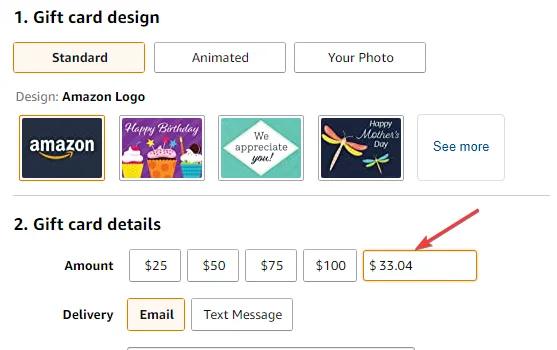
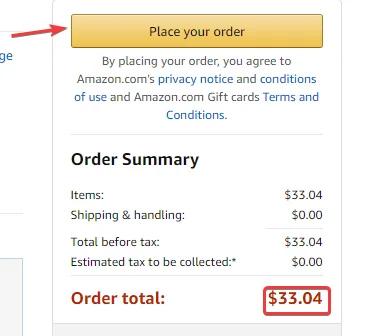
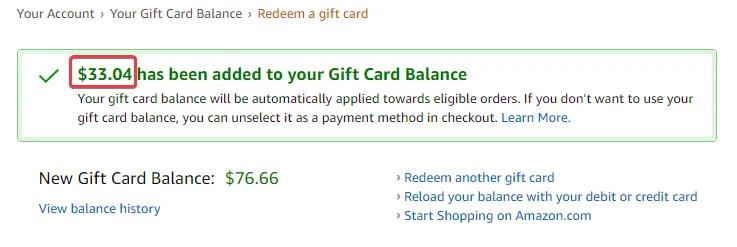
Below is slightly longer but you can send to anyone (or yourself). This strategy again requires you to have an Amazon account. In this example I have $33.04 left remaining on an AMEX gift card. Note that any AMEX, Visa or Mastercard gift card should work
Head to the Amazon Gift Card webpage
First head to the Amazon e-Gift Card webpage.
Next enter the exact amount of your AMEX gift card
Enter the EXACT amount of the AMEX gift card balance along with the email address (of yourself or the person you want to send to). You can check your AMEX gift card balance here.
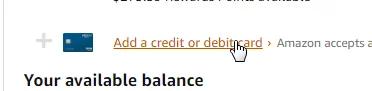
Head to checkout and click the “Add a credit or debit card” link
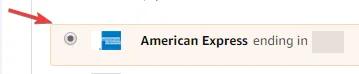
Ensure the Gift Card is selected
Double check everything and click Click Place your order
If you already have an Amazon Gift Card balance, there will be a note that Your gift card balance can’t be applied to orders that contain Amazon.com or Visa or Mastercard gift cards, or collectible coins.
Head to Your Email and click the “Apply to your Amazon Account”
You may need to wait 5 minutes, but when you see the email appear, you can simply click the email link. Alternatively, you can find the Claim Code in the and enter it here.
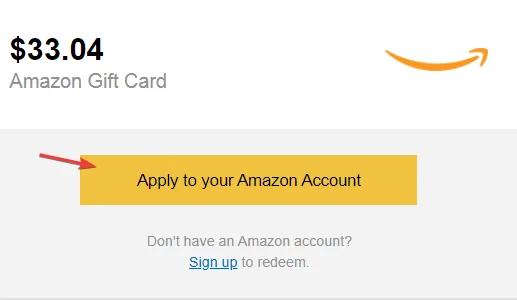
That’s it! Your AMEX Gift Card is now added to Your Amazon Gift Card Balance
Once you follow the email, and apply the Amazon Gift Card to your account, you should be all set.
Cleaning Up
After the order is completed you’ll want to head to your Amazon Payment Choices area and remove the original gift card from your payment choices. This will avoid future issues so you don’t accidentally select it and have your Amazon order denied.
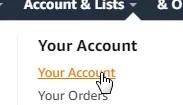
Click “Your Account”.
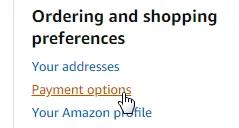
Click the “Payment choices” link.
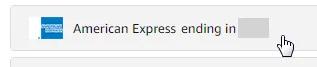
Select the Gift Card payment method you want to delete.
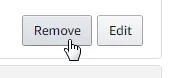
Click Remove to start the removal process.
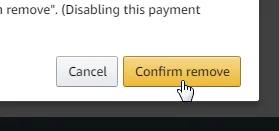
Click Confirm remove to fully remove the card.
For more details see: https://pay.amazon.com/help/201754700
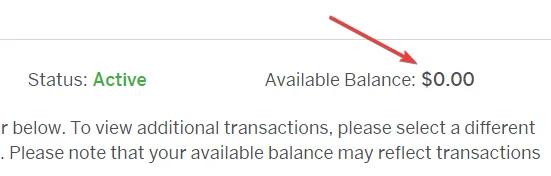
If you want to check your AMEX Gift Card balance again it should be zero
Repeat!
Repeat the process with other gift cards that you have to combine and consolidate them all to your Amazon Gift Balance.
If you are combining small amounts off of assorted gift cards chances are the credit you transferred to Amazon is a relatively small amount. If you want to save more on your Amazon orders check out Sacodes’s full list of Amazon coupons. We have the best deals, discounts and discount codes for Amazon updated daily.