
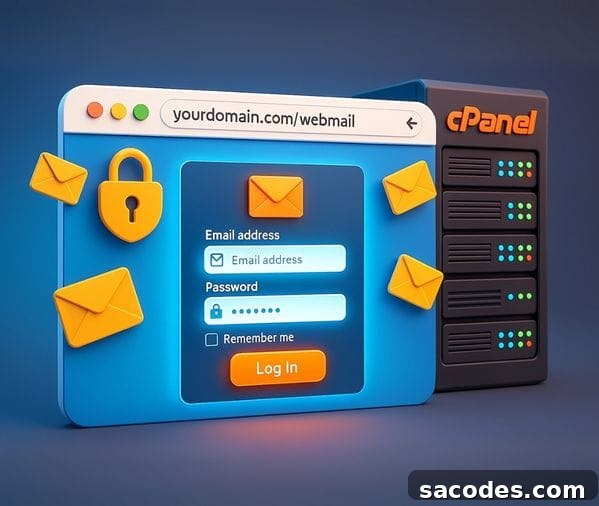
If you manage a website or use corporate email, cPanel webmail access is an important convenience that can simplify daily tasks. Accessing email accounts created via cPanel through a web browser saves time and adds flexibility. Users can check mail directly from any browser without installing additional software. This article provides a comprehensive guide to cPanel webmail login steps, alternative access methods, technical details, and practical tips for secure and efficient use.
What Is Webmail in cPanel?
Webmail lets users access their email accounts through an internet browser on any device. Email addresses created for a domain hosted in cPanel can be managed through webmail without relying on external clients like Outlook or Thunderbird. cPanel typically offers a few webmail clients you can choose from, such as:
- Roundcube
- Horde
- SquirrelMail (may be deprecated in some cPanel versions)
Although each client has different interfaces and features, their core functions—sending, receiving, organizing, and archiving mail—are essentially the same.
Ways to Access Webmail in cPanel
There are multiple ways to reach webmail; choose the one that fits your habits and needs.
→ Login Through the cPanel Account
After logging into cPanel, go to the E-mail Accounts section. The email accounts you created will be listed there. Next to each account you’ll find a link such as “Check Email” or “Access Webmail”. Clicking that link takes you directly into the webmail interface for that account.
→ Direct Browser Login
You can also log in to webmail directly from your browser by entering one of the following addresses:
yourdomain.com/webmail
yourdomain.com:2096
These addresses open the webmail login screen. Use the full email address as the username and the account password to sign in.
→ Login via Server IP Address
If your domain is not yet live or DNS changes have not propagated, you can access webmail using the server IP address:
IPaddress:2096
This method is useful for newly migrated sites or when the domain does not resolve to the server yet.
How Webmail Interfaces Work
cPanel webmail clients are designed to improve usability. For example, Roundcube offers a modern, drag-and-drop interface, while Horde includes additional tools like calendars and task management. Both clients typically operate via the IMAP protocol, so actions such as reading mail, moving messages between folders, or marking items as sent are synchronized across devices. This means a change made on a mobile browser will be reflected when you check the same account from a desktop webmail client.
Webmail Security and Using SSL
Security is critical when accessing webmail. Always use an SSL (https) connection when logging in to prevent passwords from being transmitted in clear text. cPanel often includes an automated SSL feature that can provision certificates for your domain, allowing secure access via addresses like https://yourdomain.com:2096. When SSL is active, your browser will establish an encrypted connection to protect your credentials and message content.
Common Issues with Webmail Access
Users sometimes encounter problems accessing webmail. The most common issues include:
- Incorrect username/password: Ensure you enter the full email address as the username.
- DNS routing errors: If the domain isn’t pointed to the correct server, webmail won’t open.
- Port blocking: Some networks block ports 2095/2096. Try a different internet connection if you suspect port restrictions.
- SSL certificate warnings: If a certificate is not installed or not valid, the browser may show a security warning.
If these problems persist, contacting your hosting provider’s support team is usually the fastest way to resolve them.
Practical Tips for Using Webmail
- Add your webmail account to your mobile device’s browser as a shortcut for one-tap access.
- Create filtering rules to keep your inbox organized—for example, automatically moving messages from certain senders into specific folders.
- Choose a default client like Roundcube to avoid selecting a client every time you log in.
- Always click the “Log Out” button after using webmail on a shared device to protect your account.
When to Use External Email Clients Instead of Webmail
While webmail is convenient for access from any device, users with heavy email traffic or advanced workflow needs may prefer dedicated clients such as Outlook, Thunderbird, or mobile mail apps. External clients often provide richer offline support and advanced management features. Nevertheless, webmail remains a valuable backup access method—for example, if an email client has issues, you can always log in to webmail to retrieve important messages.
In summary, cPanel webmail access is a flexible and secure way to manage domain-based email accounts when configured correctly. Whether you access it through cPanel, directly via a domain or IP address, or use it as a fallback to desktop mail software, webmail is an essential tool for uninterrupted corporate communication and reliable email management.