
What Is Webmail and What Is It Used For?
Webmail is an email service accessed through a web browser that allows users to read, reply to, compose, send, and manage their email without installing a separate email client or desktop application. Because messages are stored on a remote server and accessed via the internet, webmail lets you manage your email from any device with a browser and a connection. In this article, you will find a clear overview of webmail, how to use it, its benefits and drawbacks, common features, and practical tips for secure use.
Unlike traditional desktop email clients—such as Microsoft Outlook or Thunderbird—that download and store messages locally on a single machine, webmail runs entirely in the browser. This model enables consistent access across desktops, laptops, tablets, and smartphones, making it especially convenient for people who work from multiple locations or who need to check email on the go. Popular webmail providers include Gmail, Yahoo Mail, Outlook.com, AOL Mail, and Yandex Mail, many of which offer robust free tiers.
How to Use Webmail
Getting started with webmail is straightforward. Follow these steps to set up and use a webmail account:
- Choose a provider: Select the webmail service you prefer. If you plan to use a custom domain for business or personal branding, register a domain name through your chosen hosting provider and configure its email settings.
- Create an account: Sign up with the service by providing your name, desired email address, and a strong password. Providers may also ask for a recovery email and phone number for account security.
- Sign in: Access the webmail interface by entering your username and password in the provider’s login page.
- Manage your inbox: After signing in, you’ll land in your inbox where you can read, archive, delete, label, or move messages into folders. Most webmail services provide search tools to find messages quickly.
- Compose and send: Use the “Compose” or “New Message” button to write an email. Add recipients, a subject, and message content; attach files if needed; format text and append a signature.
- Sign out: When you’re finished—especially on shared or public devices—sign out to help protect your account from unauthorized access.
Advantages of Webmail
Webmail offers several practical benefits for everyday email users and organizations:
- Access from any device: Since webmail runs in the browser, you can access your messages from any connected device—desktop, laptop, tablet, or phone—without syncing or transferring files.
- No desktop client required: There’s no need to install or configure a local email application. This reduces setup time and avoids compatibility or update issues across devices.
- Server-side storage and backup: Messages are stored on the provider’s servers, which reduces the risk of losing email due to a damaged or lost device. Providers typically maintain routine backups and redundancy.
- Easy sharing and forwarding: Forwarding messages or sharing links to content is simple, and many webmail services integrate with other web apps for smoother workflows.
Disadvantages of Webmail
While webmail is convenient, it has some limitations to consider:
- Requires internet connection: You need an active internet connection to access your mail. Although some services offer limited offline access, full functionality typically depends on connectivity.
- Perceived speed differences: Desktop clients that download messages locally can be faster when browsing large volumes of email without a stable connection. Webmail performance depends on your network and the provider’s servers.
- Privacy and security considerations: Because messages are stored on external servers, users should be mindful of provider security practices, use strong passwords, enable two-factor authentication, and be cautious with sensitive data.
Common Features of Webmail Applications
Most webmail services share a common set of features designed to make email management efficient and user-friendly:
Inbox
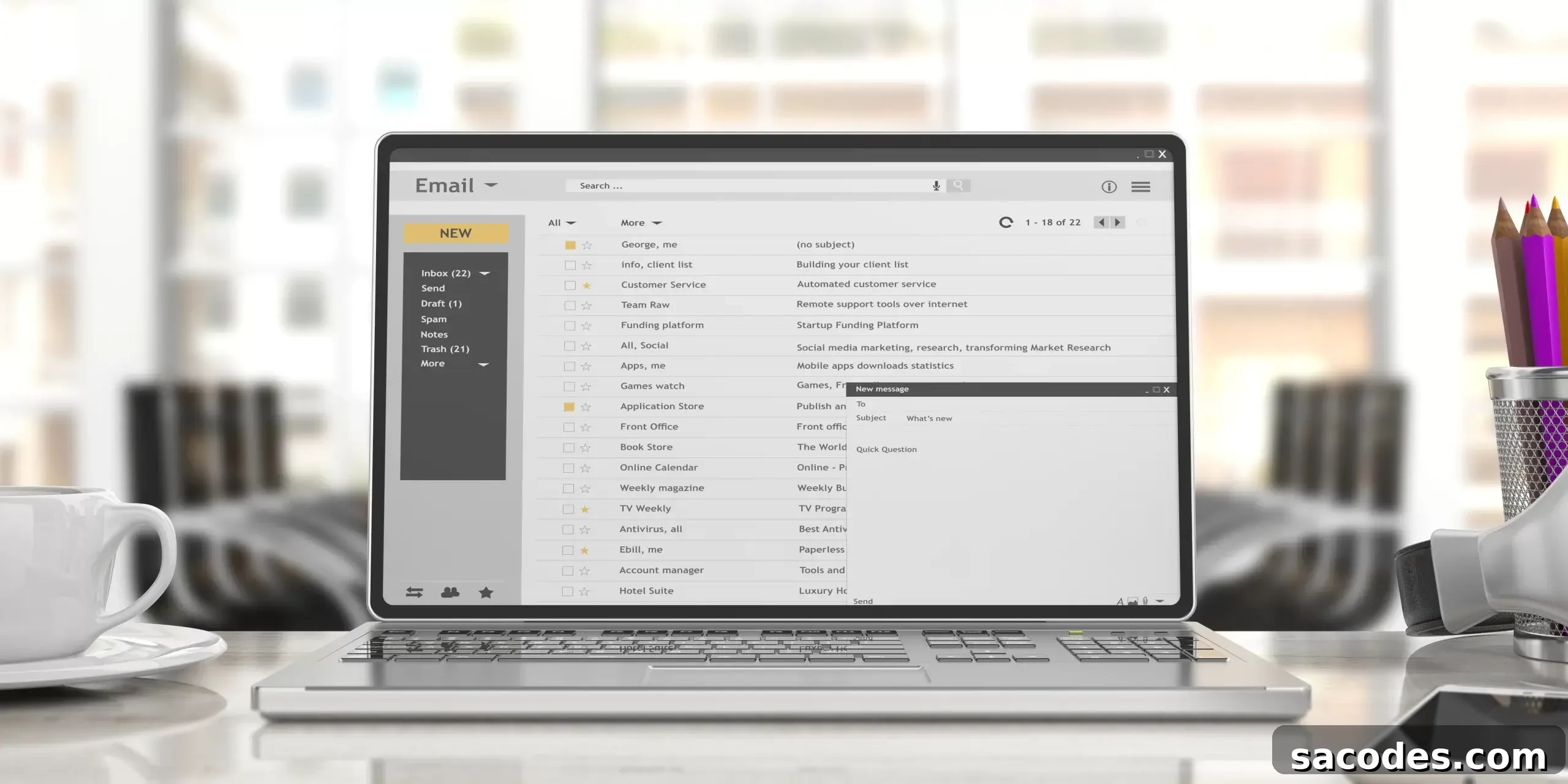
A central inbox view where new messages appear. The interface allows you to read, reply, flag, archive, or delete emails quickly.
Compose and Reply
Tools to create new emails and reply to or forward messages. Attachments, rich-text formatting, and signatures are typically supported.
Address Book
An integrated contacts manager stores frequently used email addresses so you can add recipients without typing them each time.
Search
Powerful search functions let you locate messages by sender, subject, date, or keywords—essential for keeping a busy inbox organized.
Filtering and Rules
Automated filters and rules help sort incoming mail into folders, apply labels, or forward messages based on specified criteria.
Spam Filtering
Built-in spam filters reduce unwanted messages by moving suspected junk mail out of the inbox.
Offline Access
Some webmail platforms offer limited offline capabilities so you can read and draft messages without a connection; changes sync when you reconnect.
In summary, webmail is a flexible and widely used solution for email management that suits individuals and businesses alike. It eliminates the need for local clients, enables cross-device access, and provides essential features like spam filtering, search, and contact management. To maximize security and reliability, choose a reputable provider, enable strong authentication, and follow best practices for password and data protection. Features and interfaces vary by provider, so evaluate available options to find the webmail service that best fits your needs.