
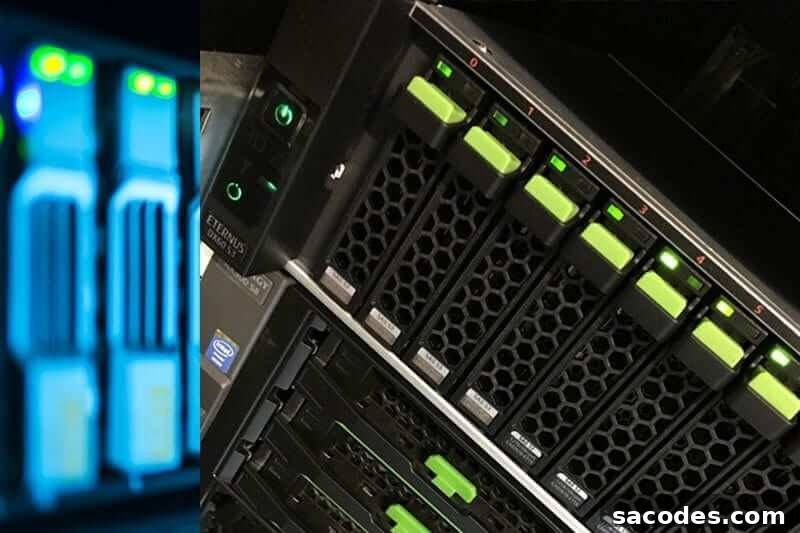
Windows Server refers to Microsoft’s family of server operating systems designed specifically to manage corporate networks, host services, store and transfer data, and run server applications. Windows Server is built for networked environments and provides tools and services that differ from desktop editions of Windows, making it suitable for dedicated server tasks in businesses of all sizes.
As a server platform, Windows Server gives administrators centralized control over network resources, security policies, user accounts, and services. Administrators assigned to manage a Windows Server environment can perform tasks such as configuring network roles, managing storage, controlling access, and monitoring system health. Typical use cases for Windows Server include, but are not limited to:
- Web Server Service
- VPS (Virtual Private Server) Hosting
- File and Data Storage Services
What Are the Main Advantages of Windows Server?
Windows Server advantages cover performance, manageability, and broad application compatibility. Key benefits often highlighted by organizations include:
- High management efficiency: Windows Server includes management tools that streamline daily administrative tasks and help automate common processes.
- High availability: Built-in features and clustering options help keep services available and reduce downtime, improving business continuity and reliability.
- Flexible storage options: Windows Server supports a variety of storage configurations and technologies, allowing organizations to scale and optimize storage according to needs.
- Application compatibility: Applications developed with Microsoft technologies, including those built on .NET, run natively on Windows Server platforms.
- Suitable for organizations of all sizes: Windows Server supports features that benefit small businesses as well as large enterprises, such as remote access, mobile device support, and backup utilities.
- Official support: Microsoft provides technical support and updates for supported Windows Server editions, helping maintain security and stability.
- User-friendly interface: The server management interfaces are designed to be accessible, making it easier for administrators to configure and monitor systems.
- Simple update process: System and security updates are straightforward to apply, simplifying maintenance and patch management.
How Is Windows Server Installed?
The Windows Server installation process is designed to be approachable for administrators familiar with server setups. Before beginning, obtain the appropriate Windows Server installation media and ensure you have necessary licensing and hardware that meets the minimum requirements. A typical installation workflow includes the following steps:
- Prepare the server hardware or virtual machine and boot from the Windows Server installation media.
- Start the installer from the boot screen and follow the on-screen prompts to select language, edition, and partitioning options.
- Enter licensing information if required and proceed to install the operating system to the chosen disk.
- Use the visual installation wizard to configure regional and administrative settings and create the initial administrator account.
- After installation, complete post-installation configuration—apply system updates, install necessary roles and features (for example, web server, file services, or virtualization roles), and configure network and security settings.
Throughout the installation and initial configuration, Microsoft provides guides and built-in help to assist administrators. Best practices include applying the latest updates, enabling backups, and configuring monitoring to ensure the server remains secure and reliable from the start.
Which Windows Server Editions Have Been Released?
Windows Server editions have evolved over time. Microsoft’s early server products began with the Windows NT family and later evolved into the Windows Server line. Major server releases commonly found in enterprise environments include the following editions:
- Windows Server 2003
- Windows Server 2003 RC
- Windows Server 2008
- Windows Server 2008 R2
- Windows Server 2012
- Windows Server 2012 R2
- Windows Server 2016
- Windows Server 2019
Microsoft typically offers extended support and security updates for its Windows Server editions for many years, allowing organizations to plan migrations and maintenance with stability in mind.
Whether you are deploying a single file server, a virtualized hosting environment, or a complex enterprise network, Windows Server provides the core services and administrative tools needed to run modern IT infrastructure effectively.