

Microsoft Clarity is a free web analytics tool that helps website owners and content creators gain a clear, practical understanding of how visitors interact with their sites. With features designed to surface usability issues, behavioral patterns, and technical problems, Clarity provides the data you need to improve user experience, boost conversion rates, and optimize overall site performance. This article explains what Microsoft Clarity is, how to set it up, and how to use its insights to improve your site.
What Is Microsoft Clarity?
Microsoft Clarity is an analytics platform focused on user behavior. It offers visual and quantitative tools—such as heatmaps, session recordings, and a set of meaningful metrics—that make it easier to see how visitors navigate your site, where they click, and which pages cause confusion or drop-off. Clarity is especially useful for web developers, marketers, and UX designers looking to base decisions on real user behavior rather than assumptions.
Key Features of Microsoft Clarity
- Heatmaps: Visualize click density and scroll behavior to discover which page areas draw attention and which content remains unseen.
- Session Recordings: Watch anonymized recordings of real user sessions to identify navigation issues, form problems, and friction points.
- Dashboard: A centralized view of important metrics and trends so you can monitor performance and spot anomalies quickly.
How to Install Microsoft Clarity
Installing Microsoft Clarity is straightforward and can be completed in a few steps:
1. Create a Clarity Account
Start by signing up for a Clarity account using your Microsoft account credentials. The signup process is quick and provides access to the Clarity dashboard where you can manage projects and settings.
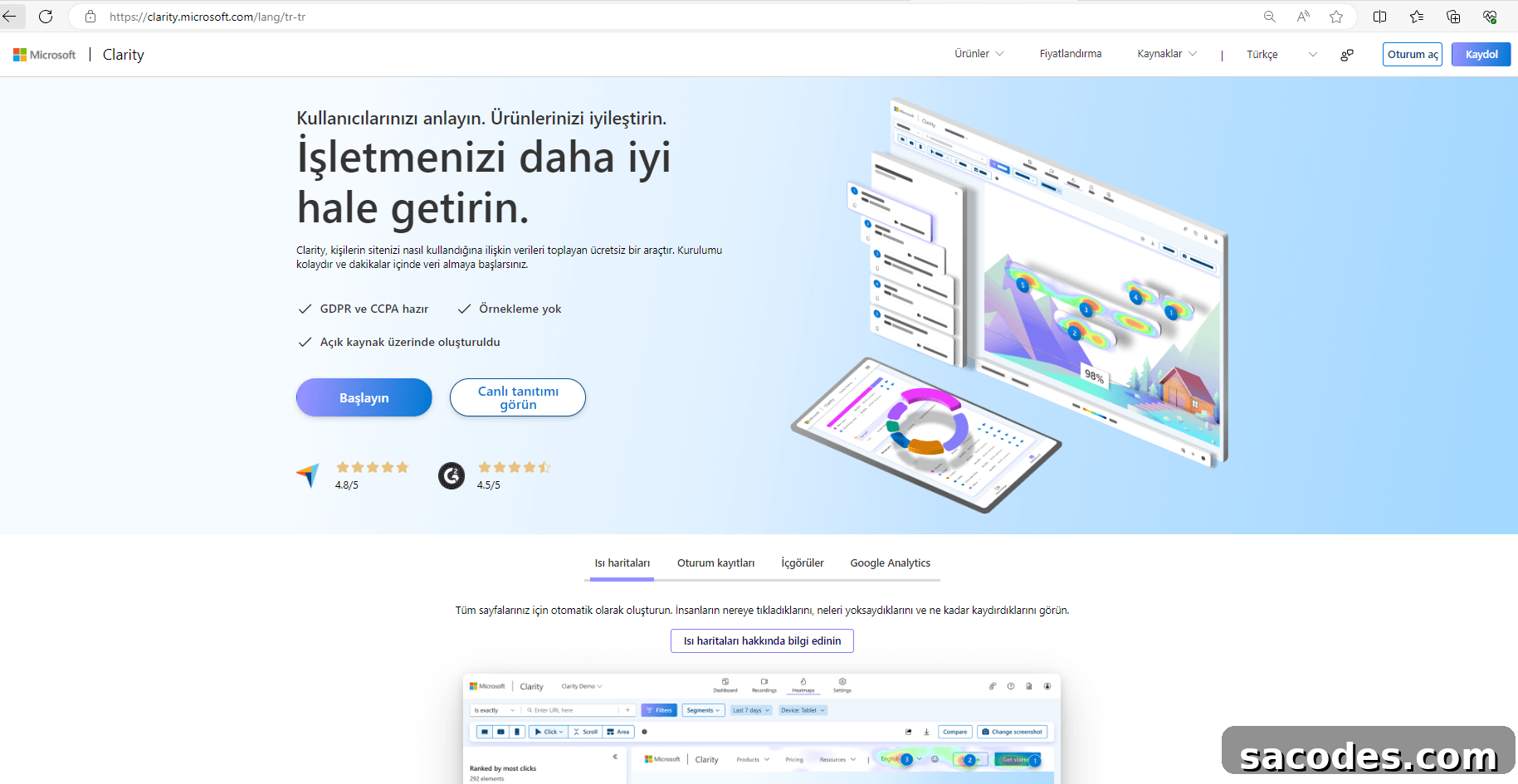
2. Add Your Website
After creating your account, add a new project by entering your website’s name and URL. Clarity will generate a tracking snippet specific to that site.
3. Obtain the Tracking Code
Clarity provides a small JavaScript tracking snippet that you should place inside the
4. Add the Code to Your Site
If you use a CMS such as WordPress, Shopify, or another site builder, there is usually a designated section for adding third-party scripts. Paste the Clarity snippet there, or add it directly to your theme’s
5. Verify the Installation
Once the snippet is in place, use the “Verify installation” option in the Clarity dashboard to confirm data is being collected. Verification helps ensure recordings and heatmaps start populating as visitors interact with your site.
How Microsoft Clarity Helps Improve Your Website
Microsoft Clarity offers actionable insights that support several improvement areas:
- Optimize User Experience: Use session recordings and heatmaps to find confusing navigation, broken interactions, or layout issues that prevent users from completing tasks.
- Increase Conversion Rates: Analyze where users drop out of conversion funnels and test changes to forms, CTAs, or page elements to reduce friction.
- Refine Content Strategy: Identify which pages and content formats engage users most, then produce similar high-performing content to increase retention and traffic.
- Detect Technical Problems: Clarity surfaces common JavaScript errors and page issues so you can prioritize fixes that directly improve site stability and performance.
Best Practices and Tips
- Review Data Regularly: Make Clarity data part of your routine analytics review so you can respond quickly to emerging issues or trends.
- Segment Users: Use behavioral segments to compare how different visitor groups interact with your site and tailor improvements accordingly.
- Act on Feedback: Combine Clarity observations with direct user feedback to validate hypotheses and prioritize changes.
- Fix Technical Issues Quickly: Address errors and performance problems that Clarity highlights to reduce user frustration and improve retention.
Microsoft Clarity is a powerful, free solution for understanding real user behavior on your website. By combining visual tools like heatmaps and recordings with technical insights and clear metrics, Clarity helps teams make informed decisions to improve usability, increase conversions, and deliver better digital experiences.